

Construction is going digital. AI-powered Scan to BIM modeling services are part of that shift.
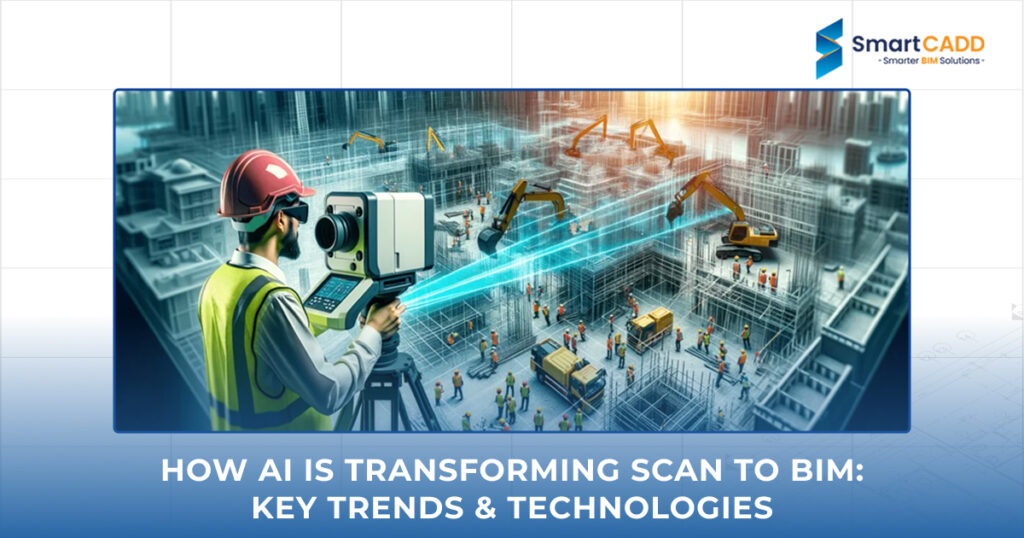
Scan to BIM turns 3D scans, usually from LiDAR, into building models. It helps teams see what’s already there and plan changes with more confidence. Artificial Intelligence makes this faster and cleaner. It filters point cloud data and supports BIM clash detection. It can even suggest fixes before modeling begins. Tools like AI, LiDAR, and point cloud software now work together. They connect with BIM platforms to simplify the process. It’s not just about speed; it’s about fewer mistakes and better decisions on site.
This blog explains how AI is changing Scan to BIM. It examines what is currently working and what is to come next.
Here is a timeline that illustrates the evolution of BIM from manual work to AI-powered scanning and BIM modeling.
Phase 1: Manual BIM Workflows (Early 2000s)
| Phase 2: Digital BIM Adoption (2010s)
|
Phase 3: Scan to BIM Emerges (Mid–Late 2010s)
| Phase 4: AI-Enhanced Scan to BIM (2020s–Present)
|
What Is Scan to BIM and Why Does It Matter
The Basics of Scan to BIM
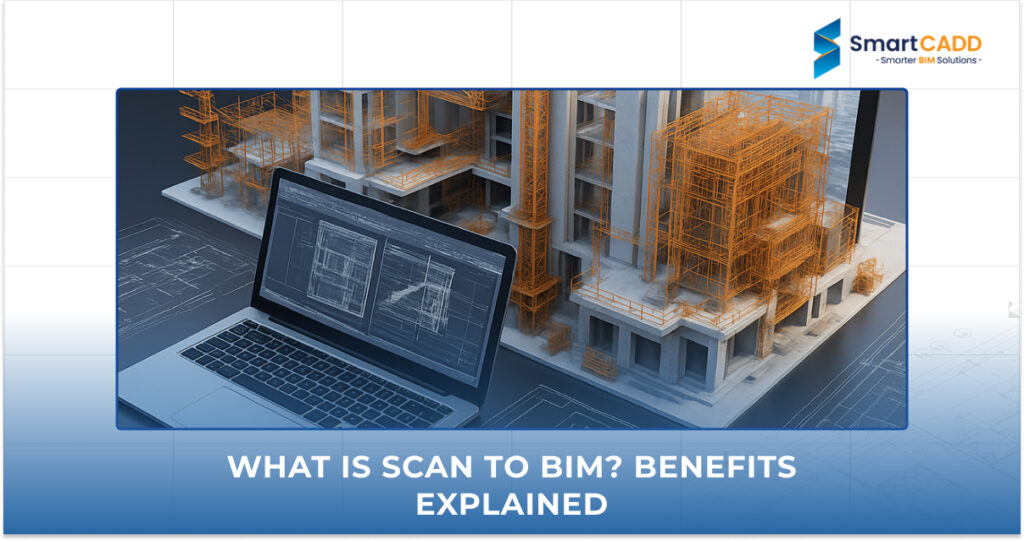
Scan to BIM modelling turns real spaces into digital building models. It starts with laser scanning or photogrammetry. These tools capture the shape and layout of a site in 3D. The result is a point cloud- a dense set of data points that show what’s actually there.
This data goes into BIM software. From there, teams build accurate BIM 3D models based on real conditions. That means no guessing, no outdated drawings, and fewer site visits. Architects, engineers, and contractors can plan updates with more confidence and fewer errors.
Want to understand the basics first? Check out our guide on What is Scan to BIM? Benefits Explained
Why it matters
- It is quicker and more accurate.
- Instead of guessing, teams work with exact data.
- It’s especially useful when original plans are missing or outdated.
Common Use Cases
- Heritage site restoration: Keeps original features while planning updates
- MEP upgrades: Helps redesign old mechanical and electrical systems
- Facility management: Tracks layouts and systems for maintenance and repairs
The Role of AI in Modern Workflows
What AI Does
- Point cloud segmentation: AI can sort millions of data points into groups- walls, floors, pipes, and more. No manual tagging needed.
- Object recognition: It spots and labels items in the scan, like doors, ducts, or beams. That saves time and reduces errors.
- Geometry classification: Machine learning helps AI understand shapes and patterns. It knows how to turn raw data into usable geometry.
- Model generation: AI can build parts of the model on its own. That means faster delivery and fewer mistakes.
Why It Matters
AI speeds up the process and cuts down on cleanup. Teams spend less time fixing data and more time designing. It also connects with BIM services and digital twins.
Here is a side-by-side comparison of manual vs. AI-enhanced Scan to BIM modeling.
Factor | Manual Scan to BIM | AI-Enhanced Scan to BIM |
Data Sorting | Manual segmentation of point cloud data | AI auto-sorts walls, floors, pipes, and more |
Object Recognition | Visual checks and manual tagging | AI detects and labels objects automatically |
Geometry Classification | Done by hand, often slow and error-prone | Machine learning classifies shapes and patterns |
Model Generation | Manual modeling from a point cloud | AI builds geometry based on scan data |
Speed | Time-intensive, depends on team size | Faster turnaround with fewer manual steps |
Accuracy | Prone to human error and missed details | More consistent, fewer modeling mistakes |
Team Effort | Requires skilled modelers for every step | Frees up teams to focus on design and planning |
Integration | Limited connection to BIM platforms | Seamless link to BIM tools and digital twins |
Use After Handover | Static models, hard to update | Dynamic models for tracking, maintenance, and ops |
Key AI Trends Shaping Scan to BIM
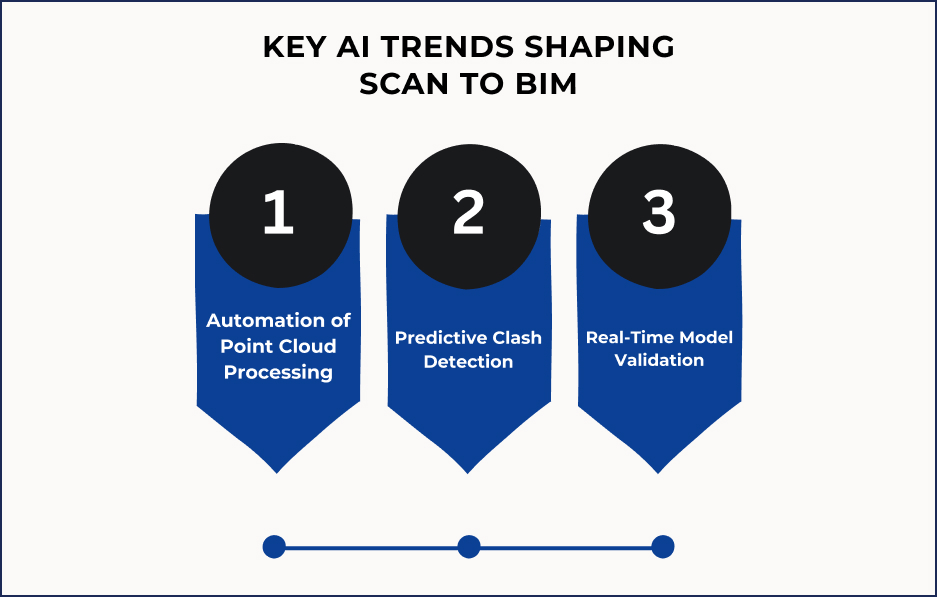
Automation of Point Cloud Processing
AI is changing how teams handle point cloud data. Instead of sorting millions of points by hand, smart tools do the heavy lifting.
What’s Changing
- Modeling time drops: AI spots key elements like walls, floors, and systems without manual tracing. That means faster turnaround and less repetitive work.
- Semantic segmentation: AI can label building parts directly from the scan. Walls, pipes, ducts, and beams are sorted automatically. No need to tag each item by hand.
- Cleaner inputs for BIM: With organized data, teams build models faster and with fewer mistakes. It also improves clash detection, planning, and long-term building management.
Predictive Clash Detection
How It Works
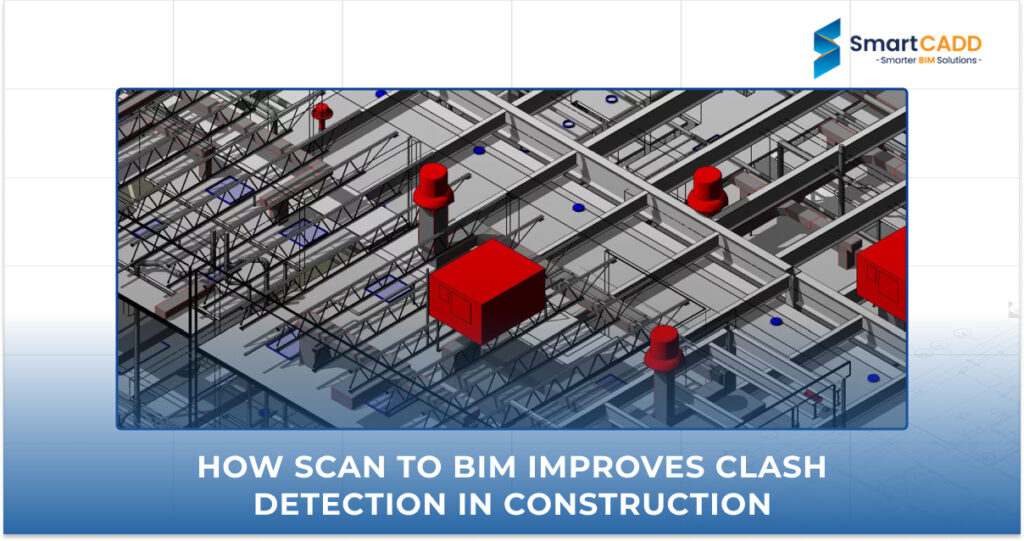
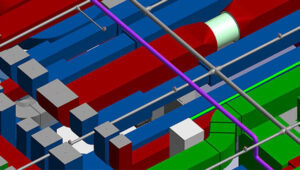
- Pattern recognition: AI learns from past BIM clash detection reports. It spots common problem areas like duct-to-beam conflicts or pipe overlaps before they happen.
- Pre-model checks: It reviews inputs before full model federation. That means fewer surprises during coordination.
- Smarter detection: Algorithms improve over time. The more clash data they see, the better they get at predicting issues.
Because it’s based on real project history, it gets smarter with every job.
Looking to prevent design conflicts? Learn the top Revit clash detection strategies in BIM projects
Real-Time Model Validation
What It Does
- Live QA/QC during Scan to BIM services: As the model is built, AI checks for missing parts, misaligned geometry, and wrong labels. It spots problems instantly, so teams can fix them right away.
- Cloud-based integration: Models update instantly in BIM platforms. Each team member sees the latest version, whether it is on-site or off-site. No waiting for uploads or manual updates.
- Continuous feedback loop: AI doesn’t check just once. It watches for changes as they happen. If something breaks the rules or doesn’t match the scan, it alerts the team.
It builds trust. When the model is clean and current, it’s easier to use for planning, approvals, and long-term building management.
AI can reduce Scan to BIM processing time by up to 70%, according to insights from leading industry sources. You can explore this further in Autodesk’s overview of AI in architecture and engineering workflows: AI in Architecture & Engineering | Autodesk
Core Platforms and Tools
AI-Enabled Tools for Scan to BIM
These tools enable teams to work faster by automating key steps, such as segmentation, object recognition, and geometry classification. They also make it easier to validate models and keep data organized across platforms.
Tool | What It Does |
NavVis | Scans indoor spaces and connects with Revit and BIM 360. |
ClearEdge3D | Uses AI to find and model pipes, walls, and structures from scans. |
Autodesk ReCap | Processes point clouds and prepares clean data for modeling in Revit. |
Revizto | Handles clashes, tracks issues, and lets teams work together in BIM. |
Role of Revit, Dynamo, and Forge
These platforms work for both manual and automated tasks. Revit handles geometry. Dynamo speeds up tasks. Forge connects everything in the cloud.
Platform | Function in Scan to BIM Modeling |
Revit | Main modeling tool. Used to build BIM models from point cloud data. |
Dynamo | Handles tasks such as placing items, adding tags, and adjusting geometry. |
Forge | Supports cloud automation, live updates, and connections to other BIM tools. |
Cloud & Edge Computing
Cloud-Based Collaboration
Cloud-based Scan to BIM services let teams work from anywhere. Scans and models sync in real time. No waiting for uploads. No manual transfers. Everyone sees the latest version, on-site or remote. It also keeps files organized. No mix-ups. No outdated versions. Just one shared model that stays current.
Edge AI for On-Site Processing
Edge AI runs on local devices. It processes scan data right away. No need to send it to the cloud. That means faster feedback and quicker decisions. If something’s off, Edge AI flags it. Teams can rescan or fix issues before they leave the site.
Interoperability & Standards
Why Standards Matter
Scan to BIM modeling needs to work across different tools. That’s why standards like IFC and COBie matter. ISO 19650 adds rules for how teams manage BIM data.
- IFC keeps geometry and data readable across platforms.
- COBie organizes asset data for handover and facility use.
- ISO 19650 defines how teams name files and track versions. It also sets rules for who can access what.
These standards help avoid data loss and confusion. They make models easier to share, review, and maintain.
AI’s Role in Data Integrity
AI helps keep data clean. It checks for missing fields and wrong formats. It also spots duplicate entries. It maps data across platforms like IFC and COBie. It also keeps Revit fields in sync. If something breaks the rules, AI flags it. That means fewer errors and smoother handovers.
Real-World Applications & Case Studies
Clash-Free Renovation Projects
Clash-Free Renovation Projects
One retrofit project used AI-driven BIM clash detection to scan existing conditions and catch issues early. The system flagged structural overlaps, MEP conflicts, and routing errors before construction began. Design teams resolved clashes in the model, so site work stayed smooth and on schedule.
ROI: What Changed
- Less rework: Fewer site delays and change orders
- Faster approvals: Clear documentation and early issue resolution
- Better coordination: Teams worked from a shared, clash-free model
The result: lower costs, faster timelines, and fewer surprises during renovation.
Smart Infrastructure Modeling
AI in Complex Structures
AI helps model large infrastructure like bridges, tunnels, and transit hubs. It reads scan data, spots patterns, and builds geometry with fewer manual steps. That means faster modeling and fewer errors. It also helps detect structural gaps, misalignments, and potential clashes early. Teams can fix issues in the model before they show up on site.
BIM for Predictive Maintenance
BIM 3D modeling isn’t just for design. They track wear and usage patterns over time. They also record repair history for each asset. Sensors send live data to the model. This helps teams decide when and where to take action. Instead of waiting for something to break, teams plan. That means fewer shutdowns and better use of resources.
Facility Management & Asset Tagging
AI for Existing Buildings
AI helps tag and track assets in older buildings. It scans rooms and reads asset labels. Then it links each item to its exact location. That includes HVAC systems, lighting, and furniture. It also covers safety gear and equipment. Instead of manual entry, AI builds a digital record. It updates asset lists, fills missing data, and flags duplicates.
Integration with CMMS and Digital Twins
Tagged assets connect directly to CMMS platforms. That means maintenance teams get alerts, schedules, and history in one place. Digital twin platforms use the same data. They show the real-time status and location of each asset. They also track how and when it’s used. So teams can plan repairs and upgrades early. They can also schedule replacements before issues arise.
Conclusion
AI is changing how Scan to BIM services work. It speeds up modeling and improves accuracy. It also helps teams catch clashes before they reach the site. It makes it easier to share updates and track assets. Everyone, from designers to facility teams, stays on the same page. The result is fewer delays and better decisions. It also leads to stronger collaboration across teams.
If you are exploring AI-powered Scan to BIM tools, SmartCADD offers a solid starting point. Their Scan to BIM modeling services focus on clean geometry, accurate data, and real-world coordination, built for architects, engineers, and facility teams.