

If you have ever hired a firm for Scan to BIM work, you already know how confusing it can get. You get a folder full of files, a few strange acronyms, and no real idea whether you received what you paid for.
This article breaks down exactly what information a proper Scan to BIM project should give you, in plain language, so you can check your deliverables with confidence.
What Is Scan to BIM?
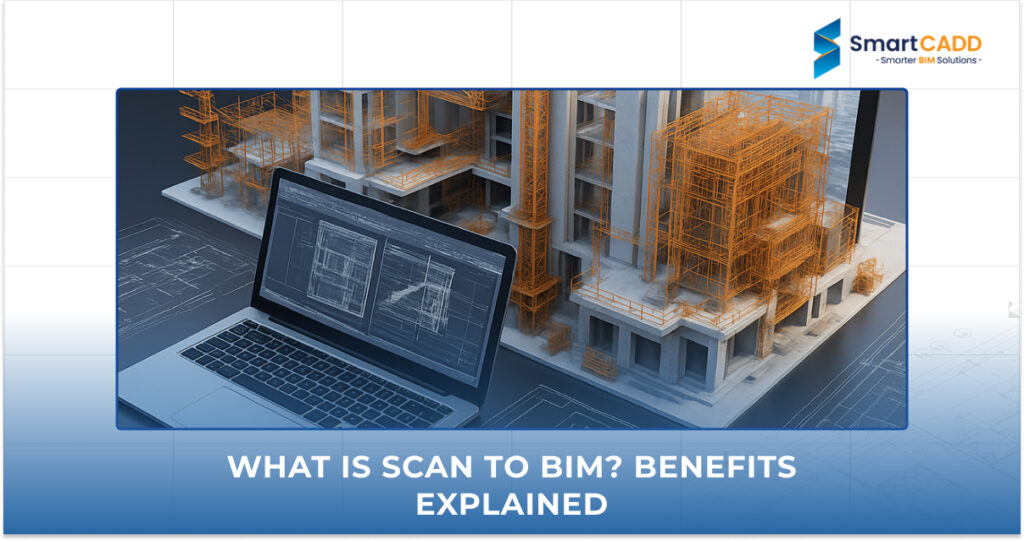
Scan to BIM is the process of turning a real, physical building into an accurate digital model. It sounds technical, but the idea is simple: scan the building, then rebuild it inside software like Revit so architects, engineers, and builders can work from one reliable digital source.
Step 1: Capturing the Site with Laser Scanners (Point Cloud)
The process starts on site with a laser scanner. The scanner spins around and fires out millions of laser points that bounce off walls, ceilings, pipes, and equipment. All those points together form what is called a point cloud, which is essentially a 3D dot-to-dot picture of the building, accurate down to a few millimetres.
Step 2: Converting Raw Scan Data into 3D Revit Models
Once the point cloud is captured, modelers use it as a reference to draw real Revit elements over the top, walls become wall objects, pipes become pipe objects, and so on. This is the heart of Scan to BIM Revit work, where raw scan data slowly turns into a usable, intelligent building model.
Step 3: Extracting Drawings, Quantities, and Reports
After the model is built, the team pulls out everything the client actually needs day-to-day, like floor plans, sections, elevations, schedules, and quantity take-offs. This is often the part clients care about most, since it is what gets used on site.
The 4 Standard Deliverables Every Australian Client Should Receive
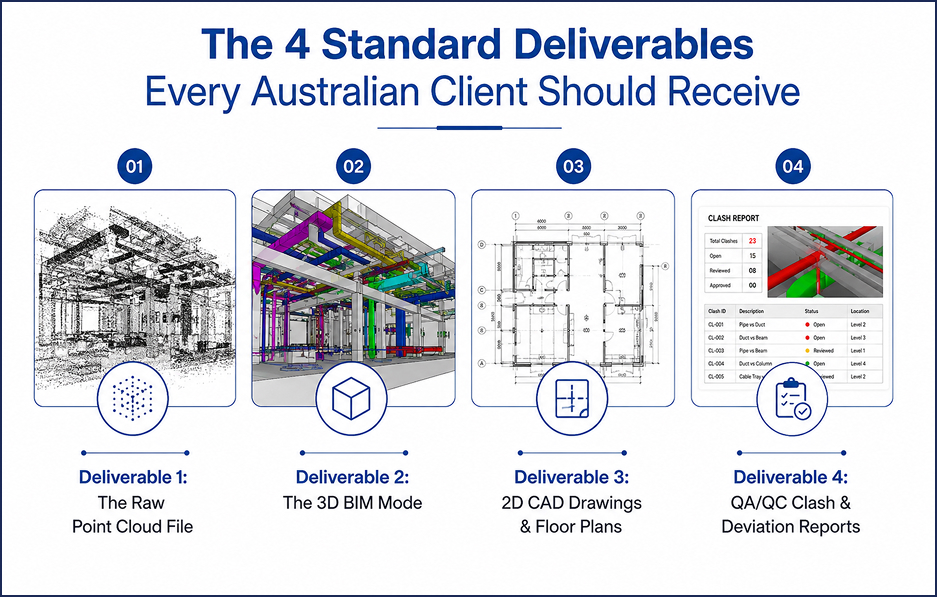
Regardless of which provider you use, a proper Scan to BIM project should always include four things.
Deliverable 1: The Raw Point Cloud File
You should receive the original point cloud (usually .e57 or .rcp format), not just the finished model. This is your proof of what was actually captured on site, and it is useful for future renovations or disputes.
Deliverable 2: The 3D BIM Model
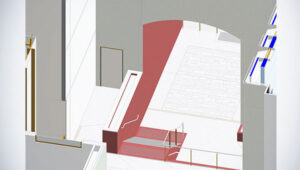
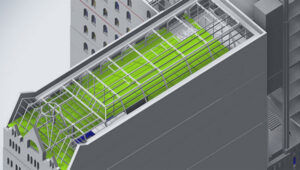
This is the centrepiece: a fully modelled Revit file with walls, structure, MEP services, and equipment, built to match the scanned geometry. A trustworthy Scan to BIM services provider will always share the native Revit file, not just a locked-down export.
Deliverable 3: 2D CAD Drawings & Floor Plans
Most Australian teams still work from 2D drawings on site, so your package should include DWG or PDF plans, sections, and elevations pulled straight from the model.
Deliverable 4: QA/QC Clash & Deviation Reports
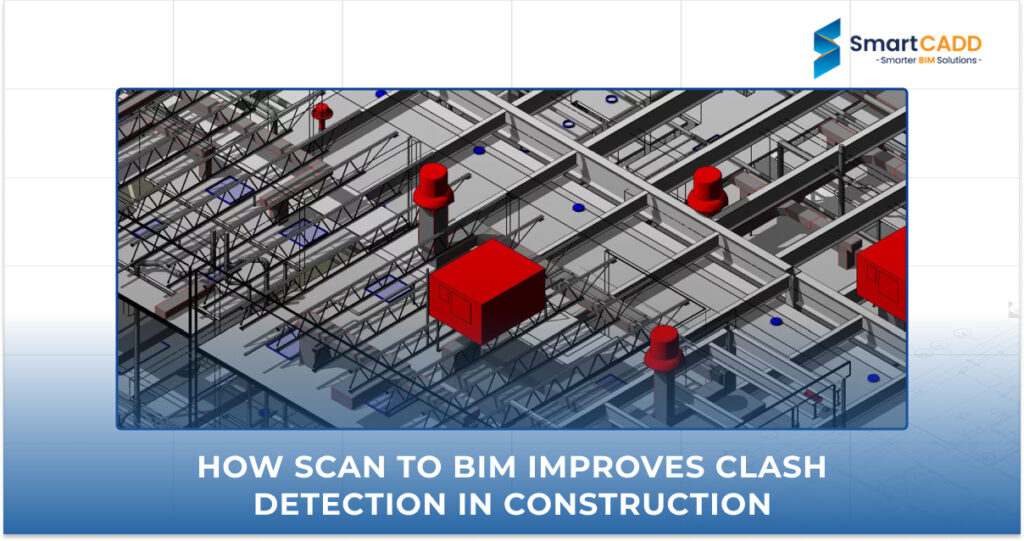
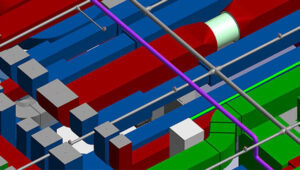
A good provider checks its own work. This means a report showing clashes between systems and a deviation report comparing the model back to the point cloud, so you can see exactly how accurate the model is.
Level of Detail (LOD) and Australian Standards Explained
Understanding LOD 100 to LOD 400 for Existing Buildings
LOD (Level of Detail) describes how much information is packed into each modelled element. LOD 100 is a rough block, while LOD 400 includes exact sizes, materials, and fabrication-level detail. Most as-built projects sit around LOD 300 to LOD 350, enough detail to design and coordinate against, without over-modelling.
Learn more about LOD in BIM Services to understand the differences between LOD 100 and LOD 400 and how the right LOD improves project accuracy and collaboration.
Alignment with Australian Coordinates (GDA2020 & MGA)
For the model to be usable across surveying, civil, and architectural teams, it needs to sit correctly in real-world space. That means the model should be geo-referenced to GDA2020 and MGA coordinates, not just floating at an arbitrary point in Revit.
NATSPEC & BIM MEP AUS Standards Compliance Explained
Australian projects generally expect models to follow NATSPEC BIM guidelines and, for services work, the BIM MEP AUS standard. These set out naming conventions, modelling rules, and data structures so the file works smoothly with other consultants’ models.
Essential Quality Checklist Before Accepting Your BIM Deliverables
Checking Scanning Tolerances (Architectural vs. Structural Accuracy)
Architectural work is often accepted within 5 to 10mm tolerance, while structural elements may need tighter accuracy, closer to 3 to 5mm. Confirm which tolerance was used before you sign off.
Verifying Model Geometry Against Point Cloud Overlays
Ask for a screenshot or clip view showing the point cloud overlaid on the Revit model. If the modelled elements sit neatly inside the scan data, that is a strong sign of an accurate point Cloud to BIM conversion.
Checking Object Naming and Metadata Consistency
Every wall, duct, and door should be named and categorised consistently. Messy or inconsistent metadata makes the model painful to use later, even if the geometry itself looks fine.
Partnering with SmartCADD for High-Precision Scan to BIM Services
SmartCADD is a BIM and CAD company working with architecture, engineering, and construction teams across Australia, New Zealand, the USA, and India. Our focus is turning raw scan data into clean, coordinated, standards-compliant models that teams can actually build from.
Why Leading Australian Firms Trust SmartCADD for Scan to BIM
SmartCADD offers Scan to BIM modeling services and Scan to BIM conversion services built around real project workflows, not just software output. Our team handles point cloud scan to BIM conversion for heritage buildings, hospitals, warehouses, and commercial fit-outs, and we understand what Australian consultants expect from a finished model.
SmartCADD’s Multi-Tier Quality Assurance Process
Every project SmartCADD delivers goes through internal geometry checks, a clash detection pass, and a final deviation report comparing our model against the original BIM point cloud. This multi-tier check is why our clients rarely send models back for rework.
Seamless Integration with Australian AEC Standards & Timezones
As a laser Scan to BIM services partner, we align our models with GDA2020, MGA, NATSPEC, and BIM MEP AUS requirements from the start, and our production schedule is structured to hand back work in time for the next Australian business day.
Conclusion: Getting the Most Value from Your Scan to BIM Investment
A strong Scan to BIM deliverable is more than a pretty 3D model. It is the point cloud, the Revit file, the drawings, and the QA reports, all aligned to Australian standards. Knowing what to check for means you get real value from your investment, not just a file that looks good in a screenshot.
If you are comparing 3D scanning BIM providers for your next project, ask for these four above-mentioned deliverables by name, and you will be able to tell a serious provider from the rest.